# Manage Network
### Prerequisites
Before you read this tutorial for knowing how **Analyze Address** work on Fradium, you need to create an account first.
For users who haven’t created an account yet, please follow the steps in the **Create Account** section first before proceeding with the **Analyze Address** tutorial.
{% content-ref url="create-account" %}
[create-account](https://fradium.gitbook.io/docs/using-fradium/fradium-wallets/tutorial/create-account)
{% endcontent-ref %}
### Overview
The **Manage Networks** feature allows users to control and customize which blockchain networks are displayed and used within Fradium Wallet.\
In the Web3 ecosystem, each network (such as **Bitcoin**, **Ethereum**, **Solana**, and **Internet Computer**) represents a different blockchain with its own native assets and rules for transactions.
### Getting Started
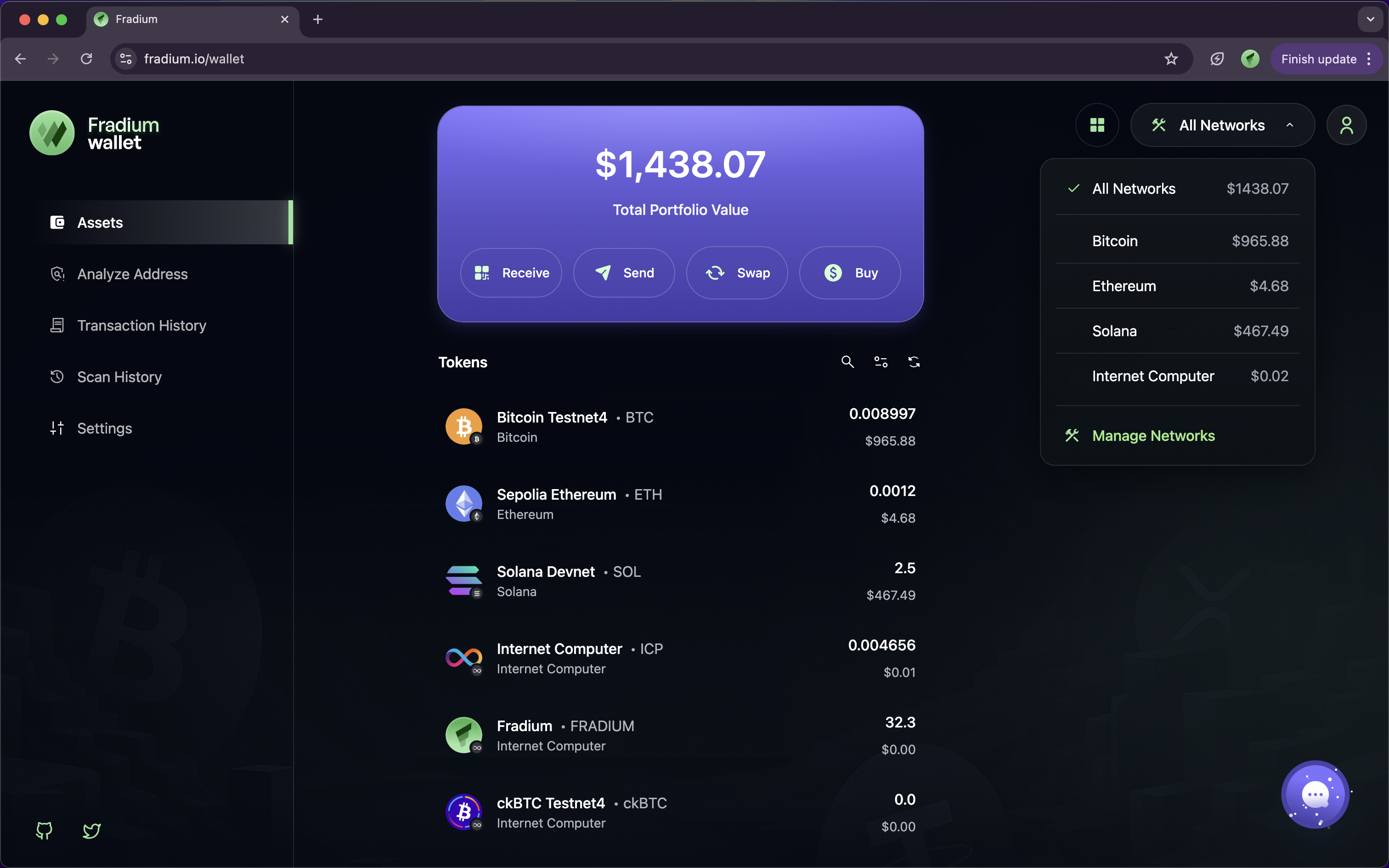
If you already on **Asset** Page, click the **“All Networks”** dropdown menu located at the top of your wallet dashboard.
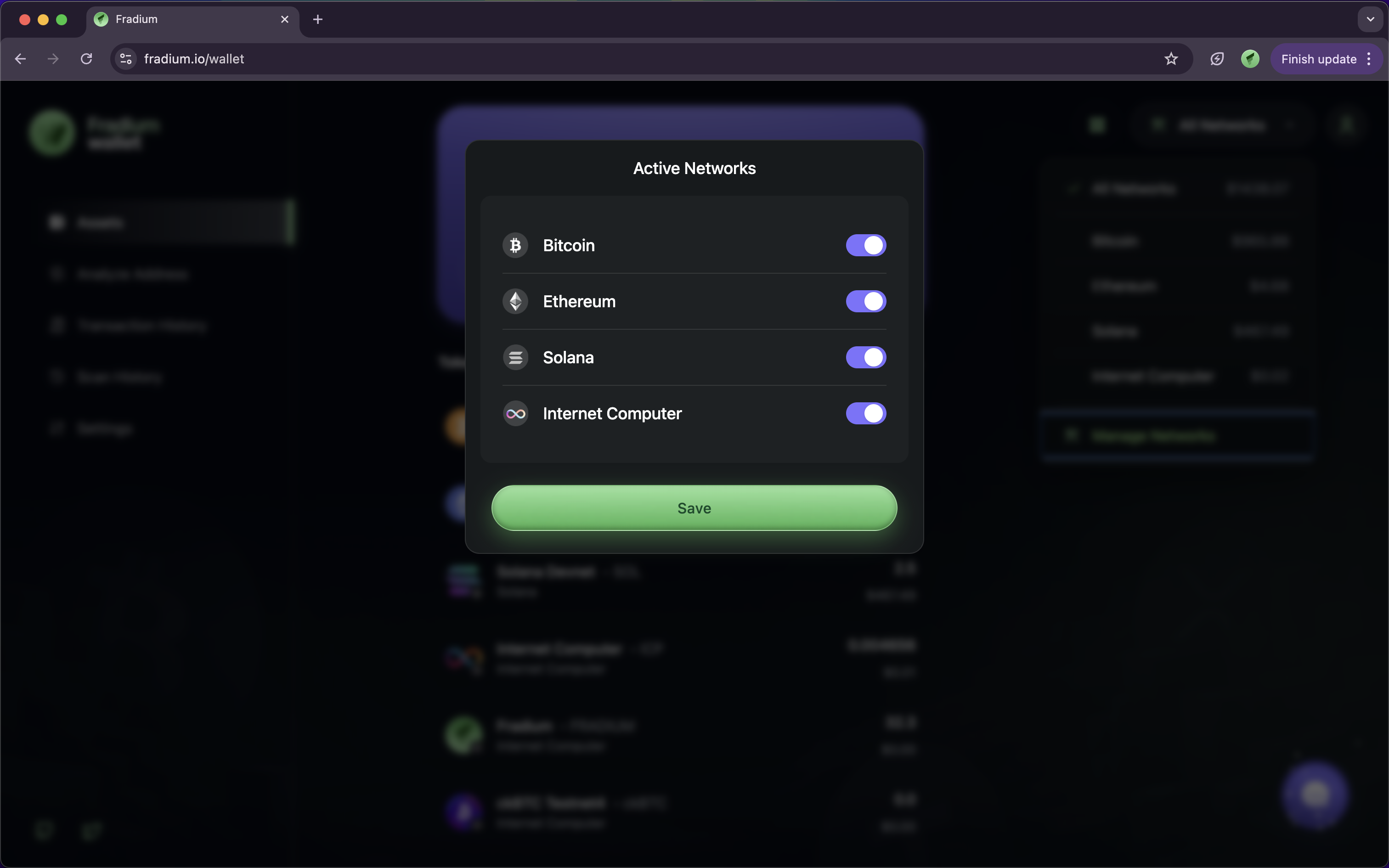
Select **“Manage Networks”** at the bottom of the list, then your screen of website will looks like this image below.
A configuration panel will appear, that allowing you to:
* Enable or disable specific networks.
* Reorder networks for easier access.
* View total balance across all selected blockchains.
Once changes are made, click **Save** or close the panel — your wallet will automatically update the visible networks.
> 💡 **Tip:** If you frequently interact with multiple blockchains, keeping all major networks (e.g., Bitcoin, Ethereum, Solana, ICP) enabled allows you to view and manage your full portfolio in one place.