# Analyze Address
### Prerequisites
Before you read this tutorial for knowing how **Analyze Address** work on Fradium, you need to create an account first.
For users who haven’t created an account yet, please follow the steps in the **Create Account** section first before proceeding with the **Analyze Address** tutorial.
{% content-ref url="create-account" %}
[create-account](https://fradium.gitbook.io/docs/using-fradium/fradium-wallets/tutorial/create-account)
{% endcontent-ref %}
### Overview
Fradium Wallet provides a feature called **Analyze Address**, designed to help users identify which wallet addresses carry the highest or lowest risk of potential scams.\
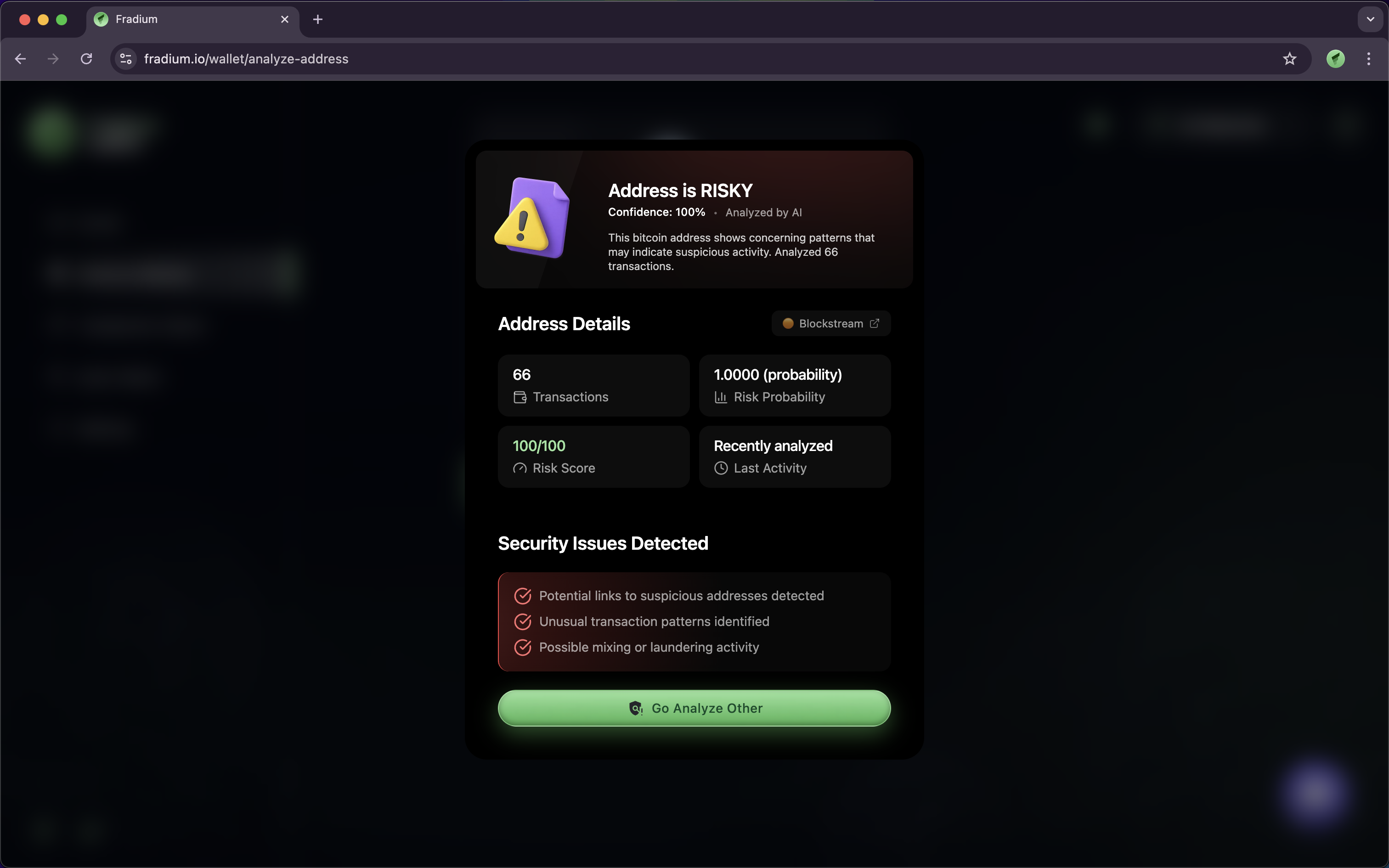
This feature provides key information such as the **Risk Score**, the **number of transactions** associated with the address, and the **last time it was used**.\
With this data, users can easily determine whether an address is safe or potentially dangerous before making a transaction.
### Getting Started
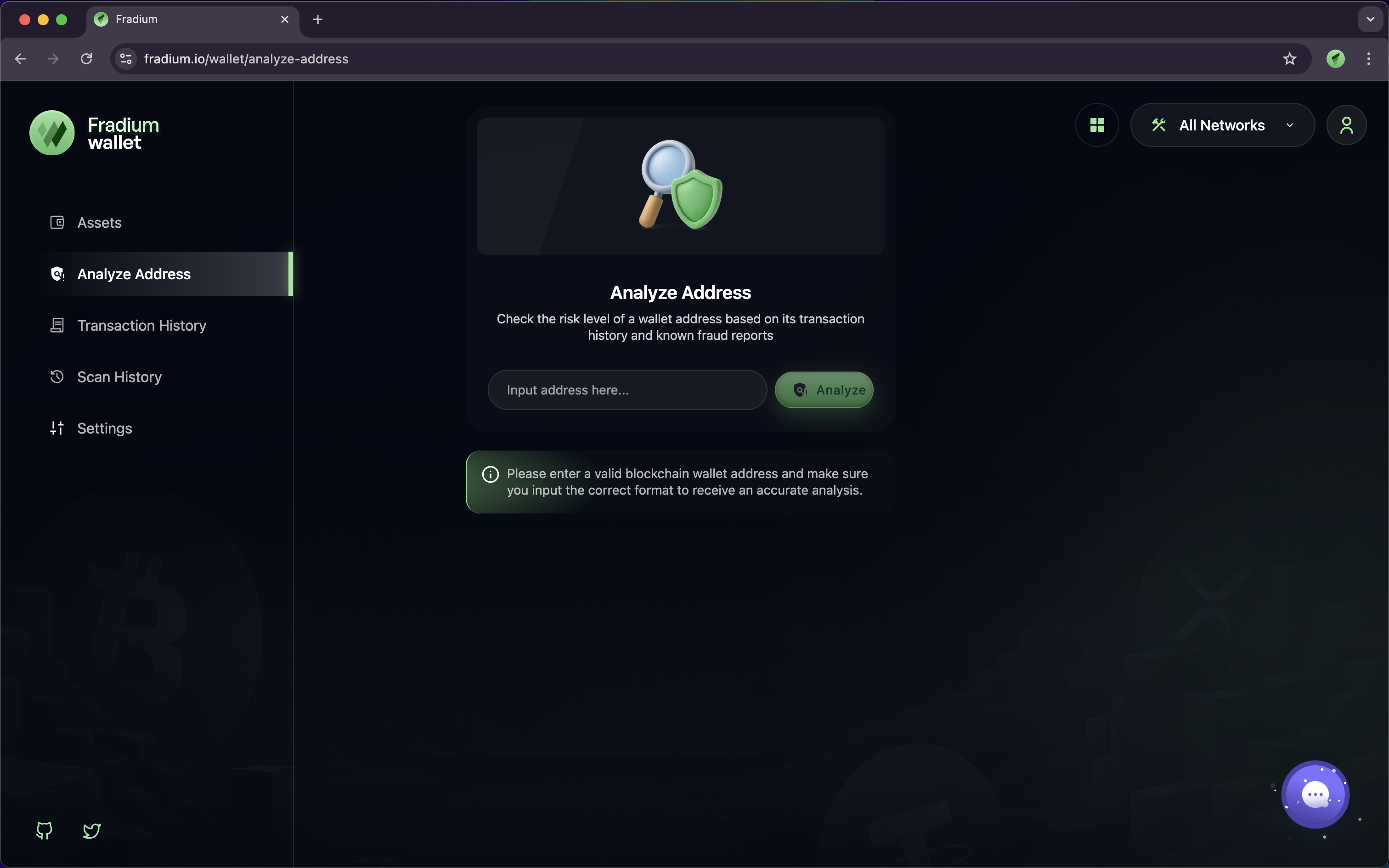
First you have going to sidebar of Fradium Wallet and see the page for Analyze Address, click on it and you'll see the screen like the image below appears on your browsers.
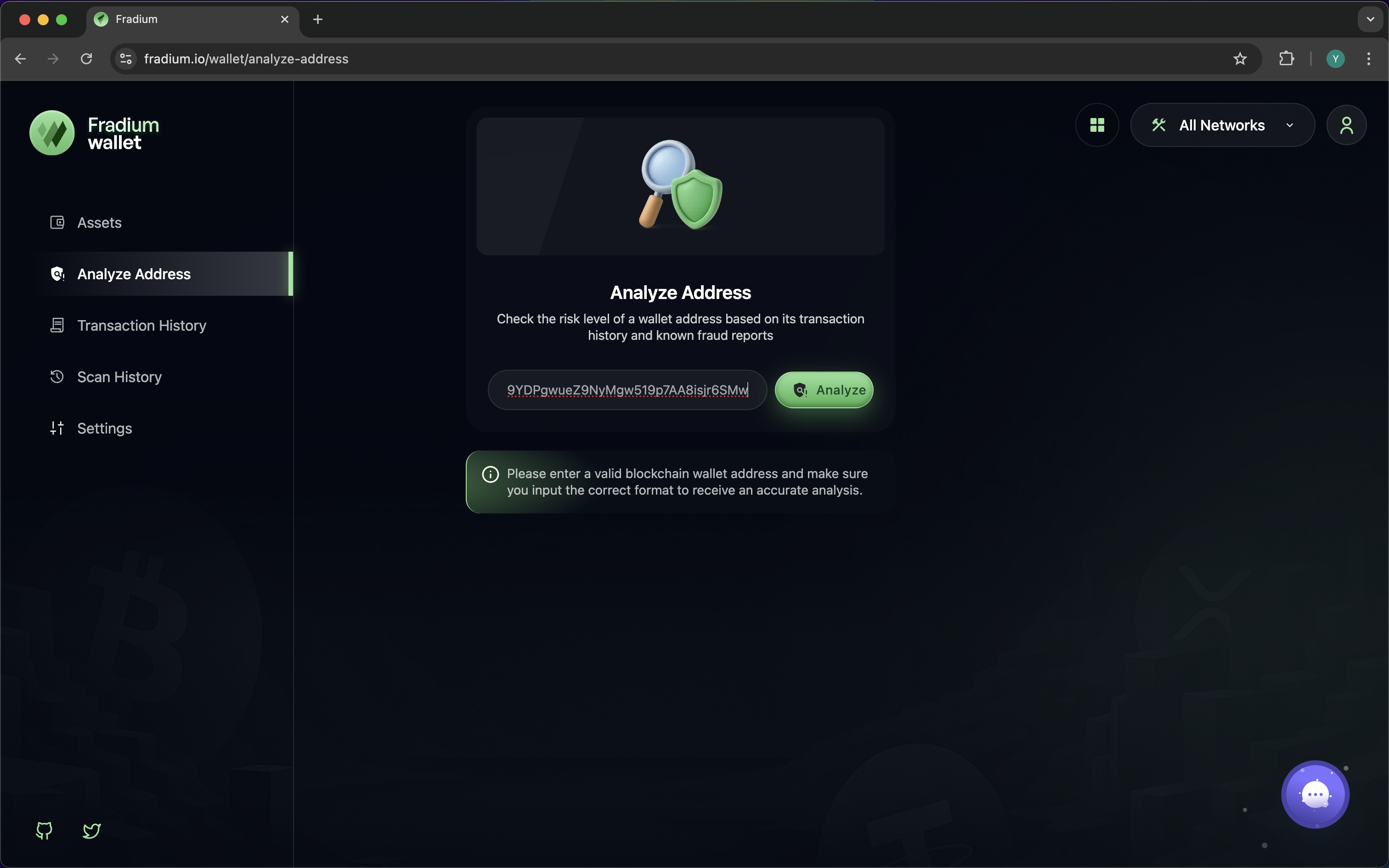
There is one input field for the address you want to analyze and one button to perform the analysis.\
In this section, we’ll try three different addresses — two labeled as **Unsafe** and one labeled as **Safe**, as shown below:
* 12t9YDPgwueZ9NyMgw519p7AA8isjr6SMw - Unsafe
* 0xa2a3a8e4a1877da1c913df7591ac0d72f27d4510 - Unsafe
* AswVmUEqiGvF5T7oPDw11Myue5HqiGsiV6bkge8QL9yR - Unsafe
* 1Lbcfr7sAHTD9CgdQo3HTMTkV8LK4ZnX71 - Safe
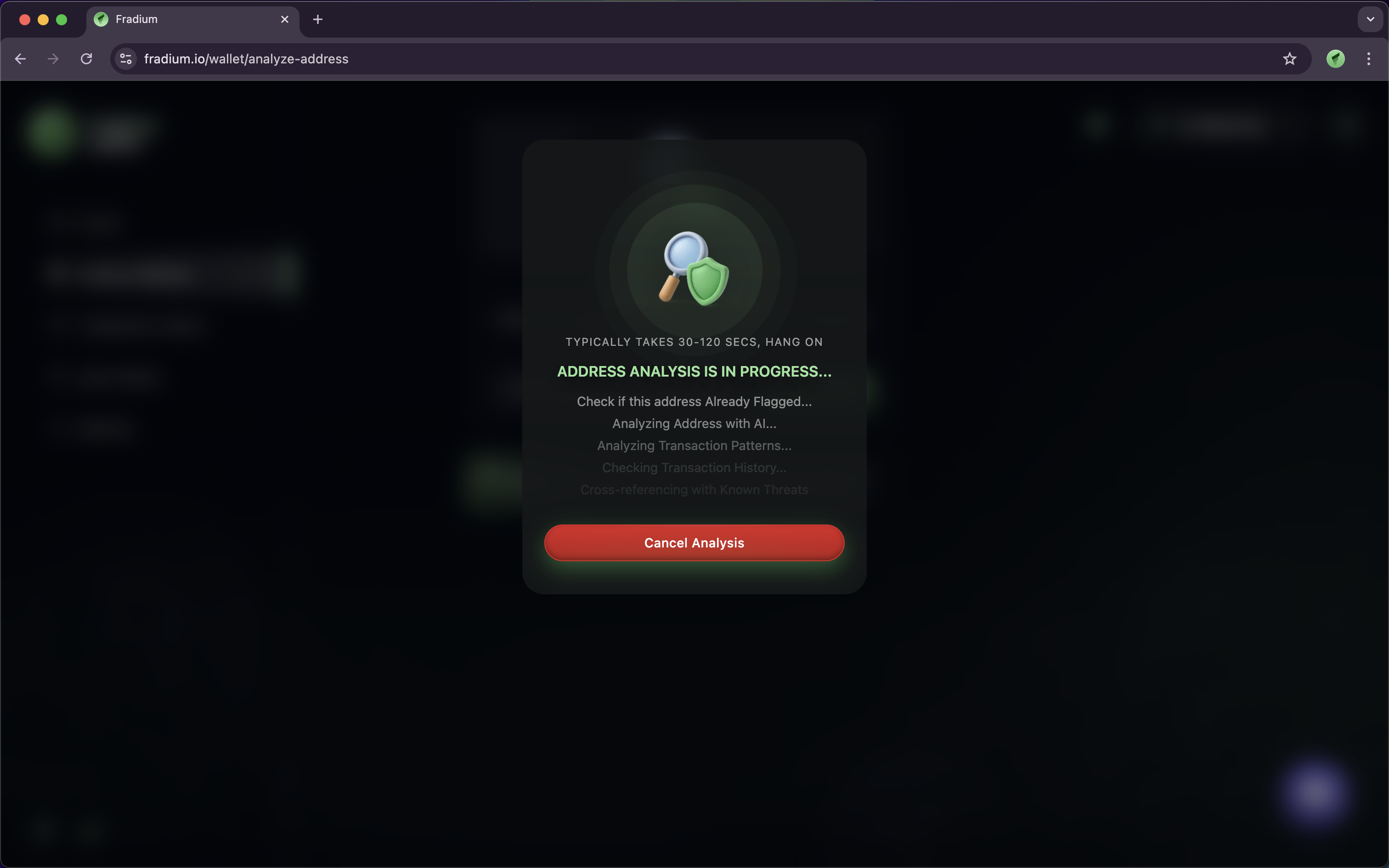
When performing an address analysis, the system will display a process that takes a few minutes to assess the address's risk level by collecting data in the background.
After the address analysis finishes collecting data to determine whether the address is high risk or low risk, it will display results like the screenshot below in your own browser or computer.
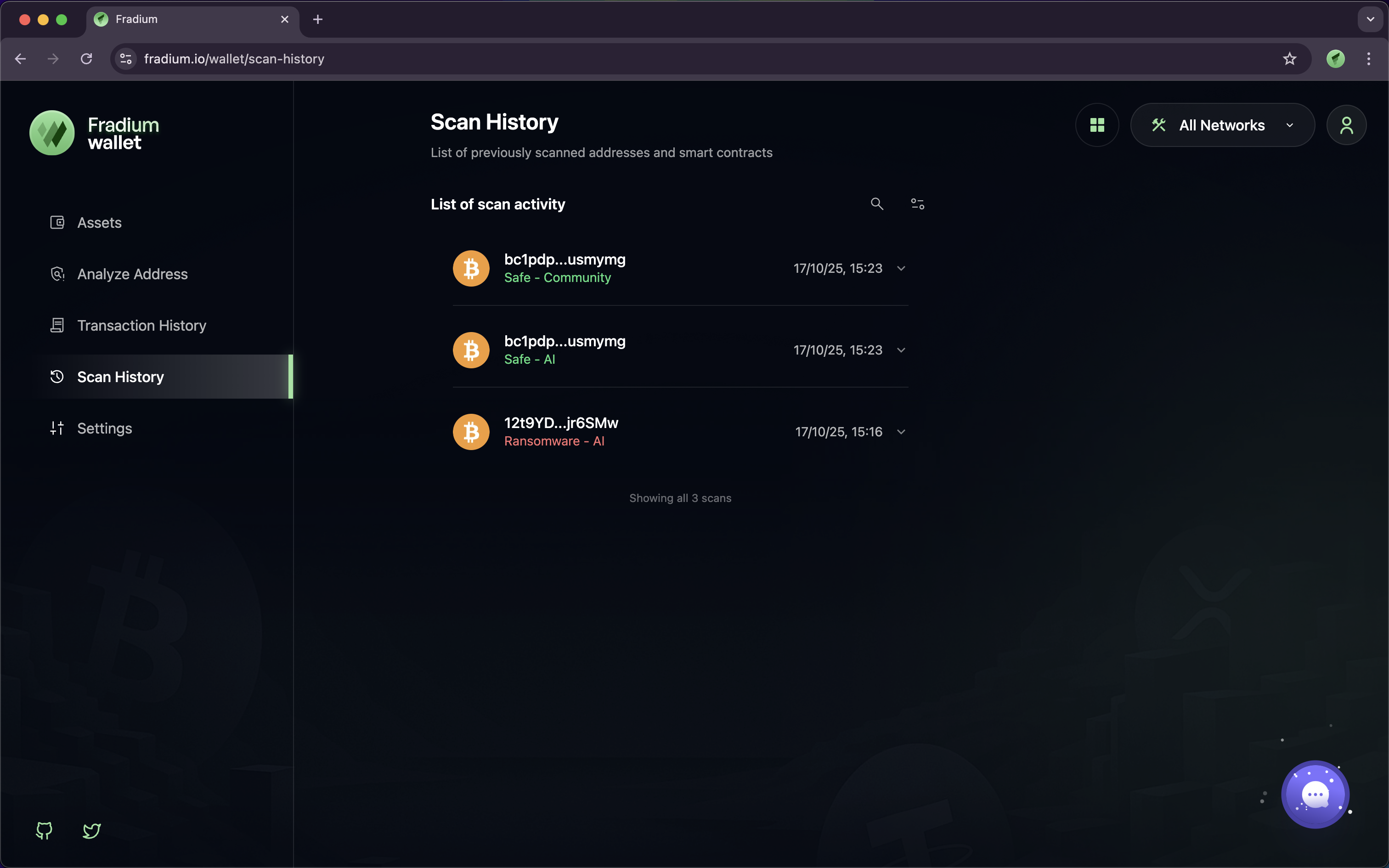
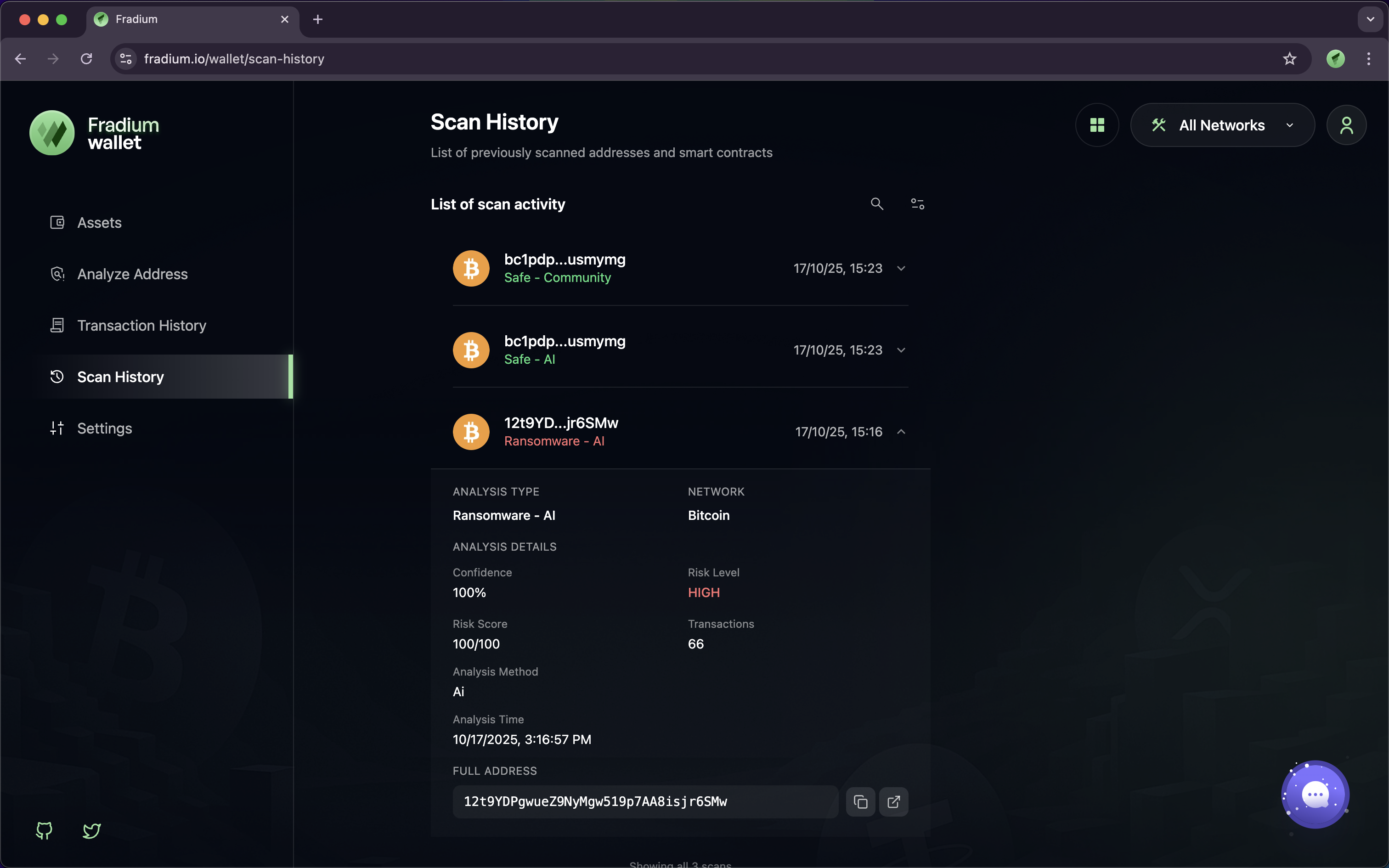
Then, it will save your address analysis history on the **Scan History** page. You can find it in the sidebar, aligned with the **Analyze Address** button.
The application will present a list view of your **Analyze Address** activities, as shown below and can display details of the address analysis you have previously performed.